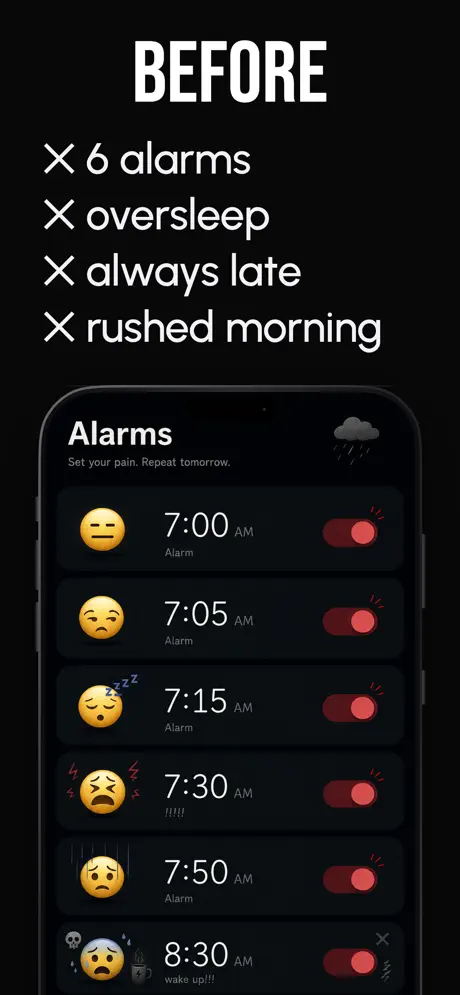
You don't have a snooze problem.
You have a "five more minutes" problem.
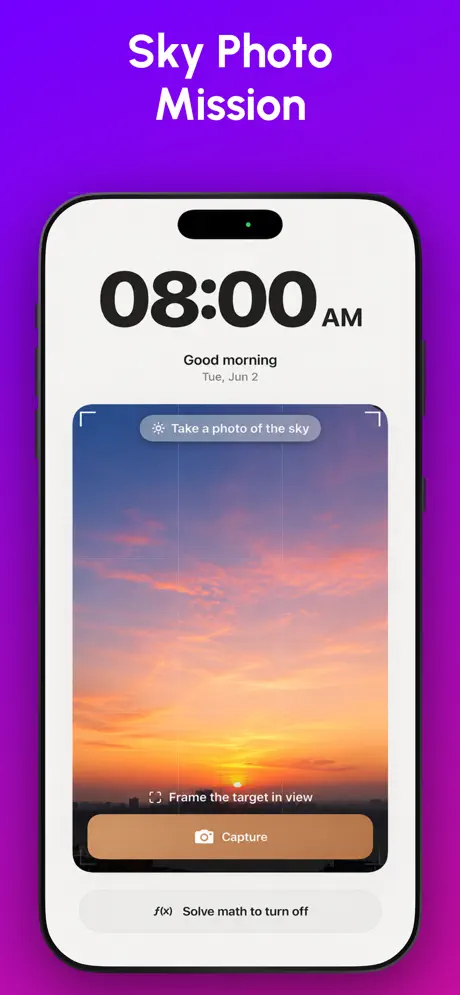
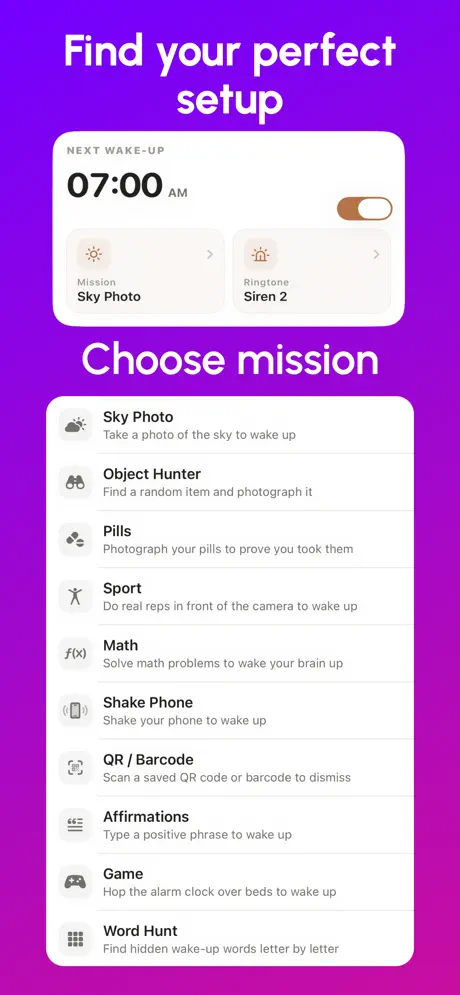
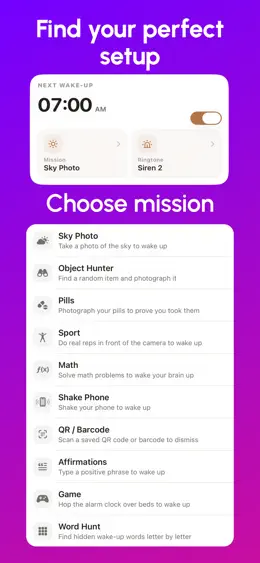
Captain Wake is the alarm that refuses to shut up until you're actually out of bed. Pick a mission — photograph the sky, scan a barcode, solve math, shake your phone — and the alarm won't stop until it's done.
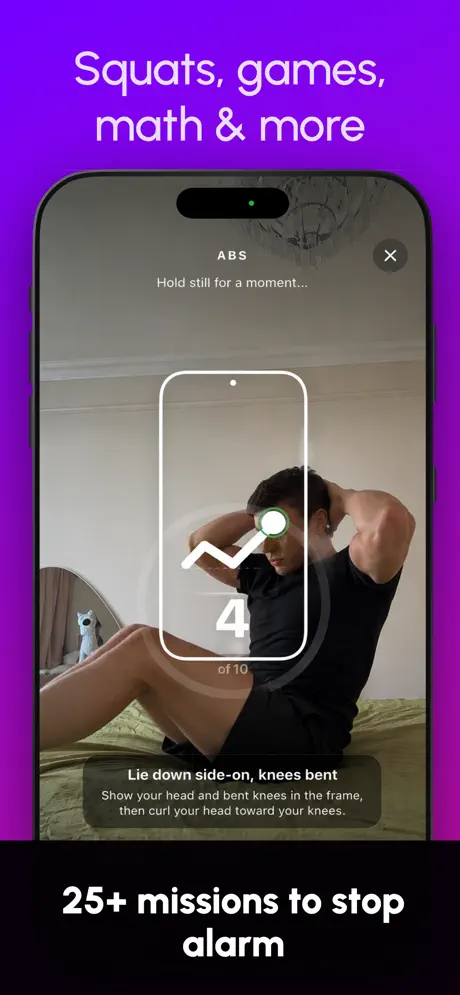
- 25+ missions to stop the alarm
- 4.5★ App Store rating
- 3 days free trial
How It Works
Set your alarm
Pick a wake-up time, choose a challenge, see your sleep forecast. Go to sleep.
Complete the mission
Alarm rings. You must finish the task to silence it. No dismiss button. No workaround.
You're awake
Mission done, streak updated, morning earned. The hard part is over in under 60 seconds.
Pick Your Wake-Up Mission
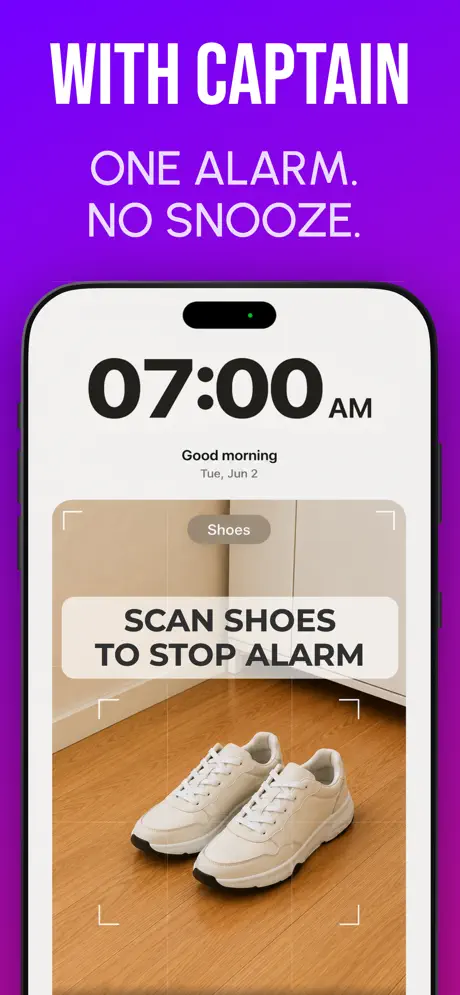
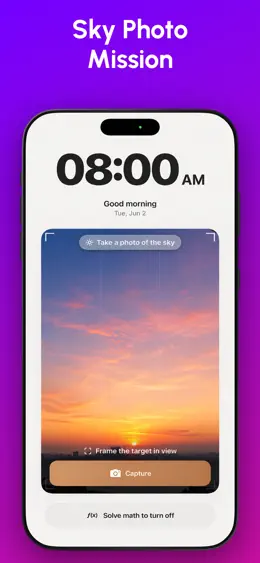
Each mission forces real engagement. Apple Vision verifies photos on-device — no faking it.
Photo Verification
Photograph a real object — toothbrush, sink, kettle, mirror, shoes, your dog. AI confirms it on-device.
Math Problems
Solve equations calibrated to your wake-up state. Easy, medium, hard, or insane.
Shake Phone
Shake vigorously until the gauge fills. Forces real physical movement.
Barcode Scan
Stick a barcode on your bathroom mirror or fridge. No code, no silence.
Inside the app
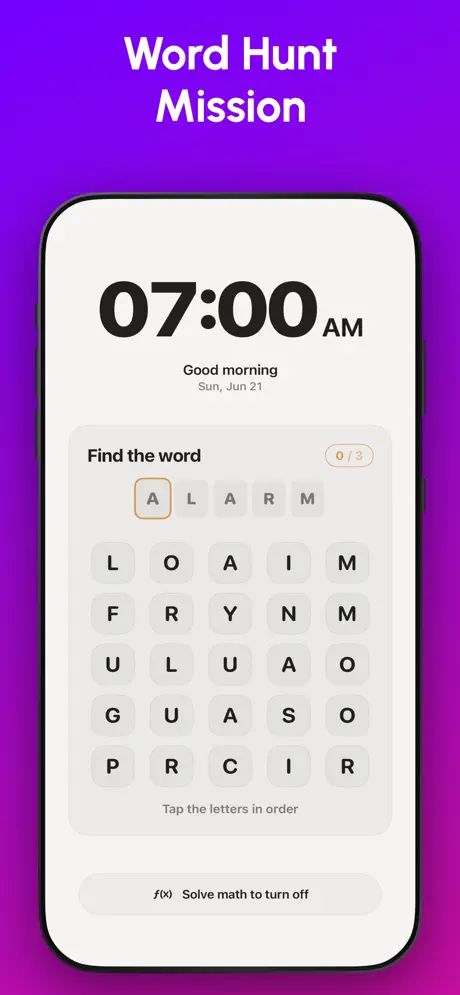
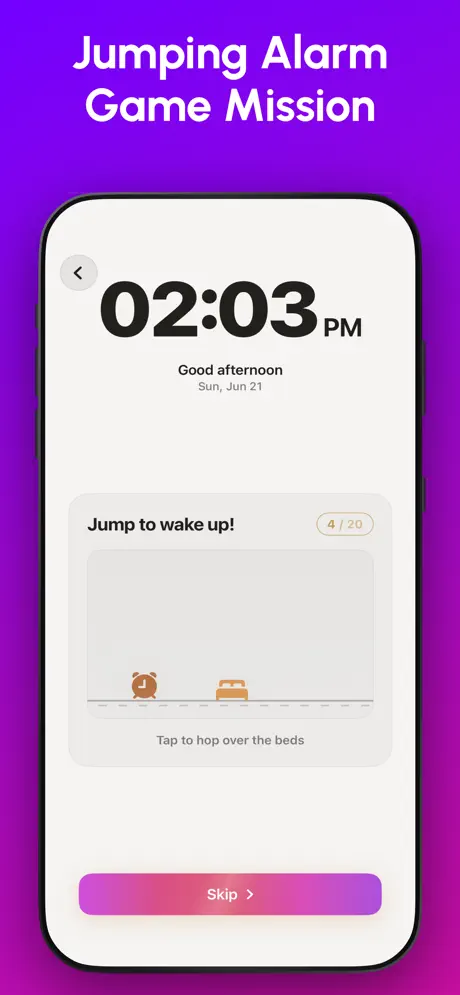
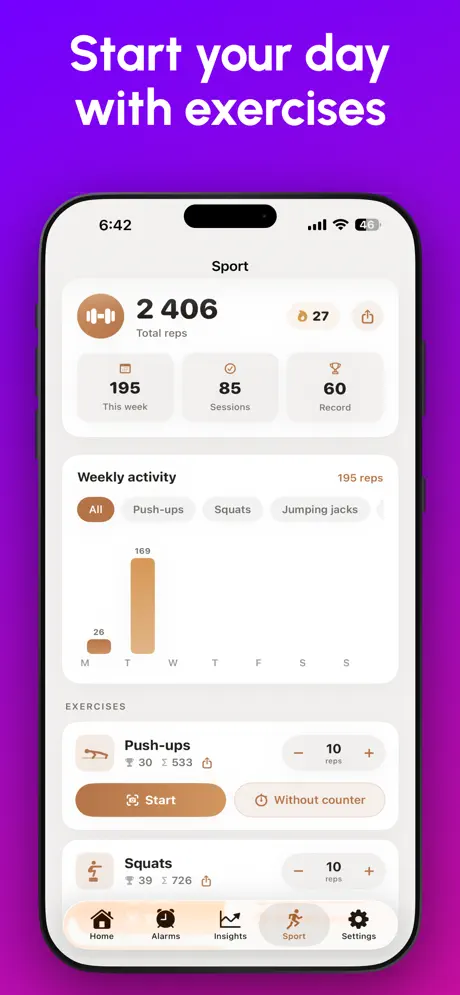
Swipe through real screens — missions, stats, the whole morning.
Built to Be Unkillable
Can't close, can't escape
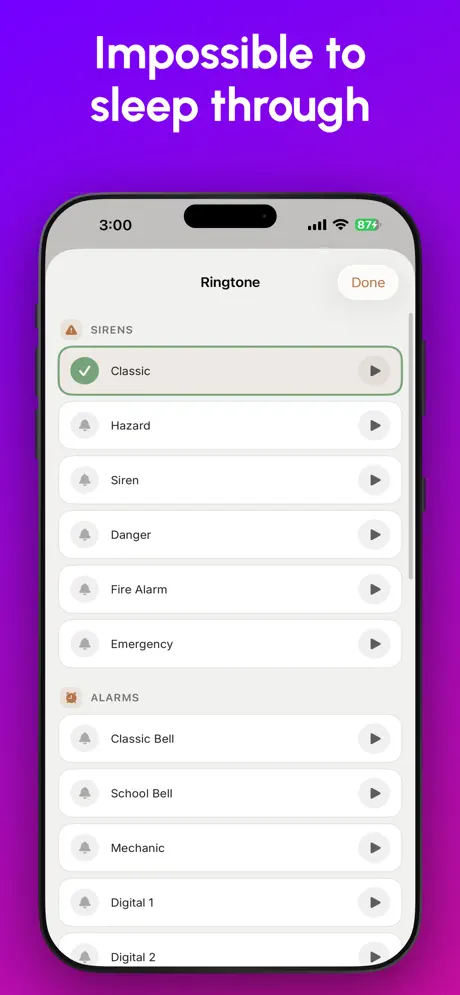
The alarm re-arms itself across app kills, reboots, and dismissals. Only the mission stops it.
Escalating volume
Ignore it and it gets louder with stronger vibrations. It will outlast your willpower.
5-minute snooze cap
One snooze. Five minutes. That's all you get.
Silent capture mode
Take photos without shutter sound. Your roommates will thank you.
20+ Real-World Targets
Indoor or outdoor — pick the object that forces you out of bed.
- Indoor: toothbrush, coffee mug, mirror, keys, sink, stove, book
- Outdoor: sky, grass, tree, flower, car, bicycle, mailbox
- Apple Vision verifies every photo on-device
- Silent capture so you don't wake anyone
Sleep the Way You Want
Captain Wake tells you how rested you'll feel before you even close your eyes.
- Sleep forecast — see how you'll feel
- Bedtime reminders on your schedule
- Volume-too-low warning
- "Still awake?" check-in before bed
Track Every Morning
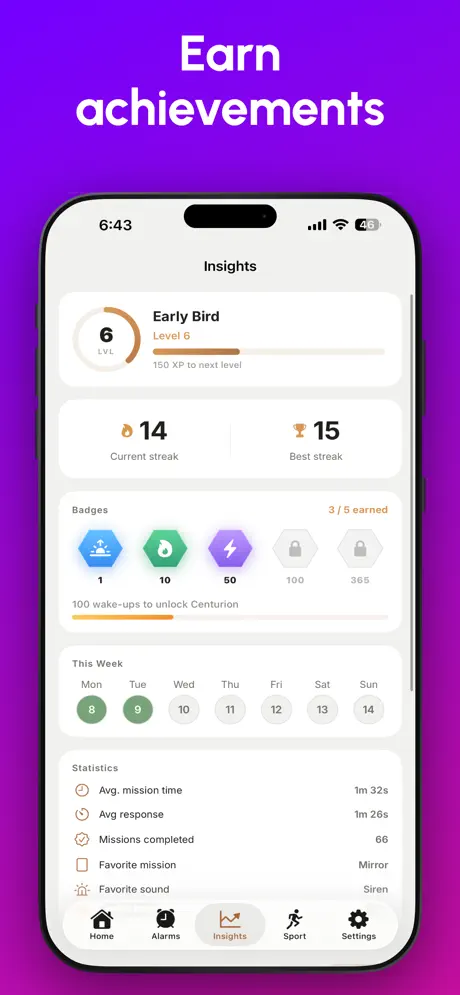
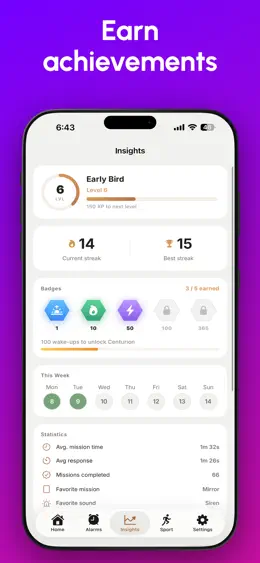
Streaks, mission times, weekly calendar, 30-day trends.
- Current streak and all-time best
- Average mission completion time
- Weekly and monthly trend charts
- Total missions completed
The Details
Why people use Captain Wake to wake up on time
Not because it rings louder. Because it removes every way your half-asleep brain talks you back into bed.
There is no button to tap
Swiping an alarm away is a reflex you can perform while still asleep. A mission needs your thinking brain switched on — and once it is on, sinking back under is much harder.
It survives every trick
Force-quit the app, restart the phone, flip it to silent, turn the volume down. The alarm re-arms and keeps going until the mission is actually done.
It gets you physically upright
Photo and barcode missions are anchored to a spot in another room, so the only way to stop the noise is to stand up and walk there. You cannot pre-stage it from bed.
It fixes the night, not just the morning
A sleep forecast before bed, bedtime reminders and wake-up streaks — because the 6 AM problem usually starts at 1 AM.
The day's not going to start itself
Most alarms let you dismiss with a tap. Captain Wake makes you earn your morning.